Snapchat Video Downloader
Public videos & stories in HD. Download Snapchat Spotlight videos and public Stories in HD — free online Snapchat downloader. Paste the link, save MP4 with no watermark, no signup.
Watch: how it works
A 30-second walkthrough of the tool above — silent, no sign-up needed.
More free tools
Same downloader, more one-tap tools — no app, no login, no watermark.


Save public Snapchat videos as clean HD MP4s
SnapDownloader is a free, web-based Snapchat video downloader for public content. Paste the link to a public Spotlight clip, a creator's public Story, or a shared snap, and the tool pulls the source video and hands you a single HD MP4 — the best quality Snapchat serves for that clip. There's nothing to install: no app, no browser extension, no account, and no Snapchat login. It runs right in your browser on desktop and mobile.
One honest rule sits behind everything here: only public Snapchat content can be downloaded. Public Spotlight clips and the public Stories of creator profiles work; friends-only snaps, private Stories, and disappearing chats do not — no tool can reach content that needs a login or a friend connection to view. Snapchat Stories also expire after 24 hours, so a link only works while the Story is still live. When a clip is downloadable, the file saves the same way on every device: to the Files app or Photos via the share sheet on iPhone, and to your Downloads folder on Android and PC.
How to save a Snapchat video
Open the public Spotlight clip or creator profile in the Snapchat app, tap the share icon (the paper-airplane arrow), and choose Copy Link. On the web, open the clip and copy the address-bar URL. Then go to snapdownloader.net, paste the link into the box, and press Download — the tool fetches the source file and returns one HD MP4.
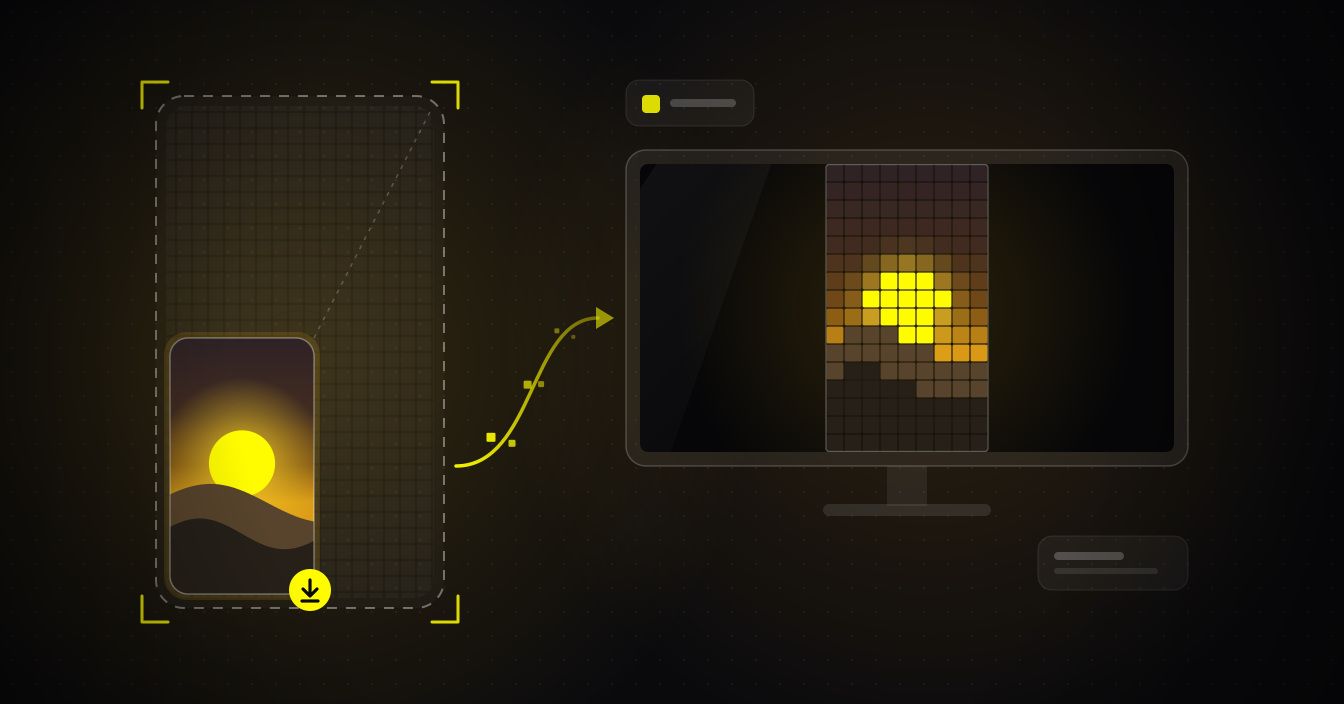
On iPhone the download lands in the Files app; from there or the share sheet, tap Save Video to add it to Photos. Safari may ask where to save the first time — choose Downloads or iCloud Drive and it remembers your choice.
On Android and PC the MP4 drops straight into your Downloads folder, ready to open in your gallery or share on. There's no app to switch to, no sign-in, and no cap on how many clips you save.
What you can download from Snapchat
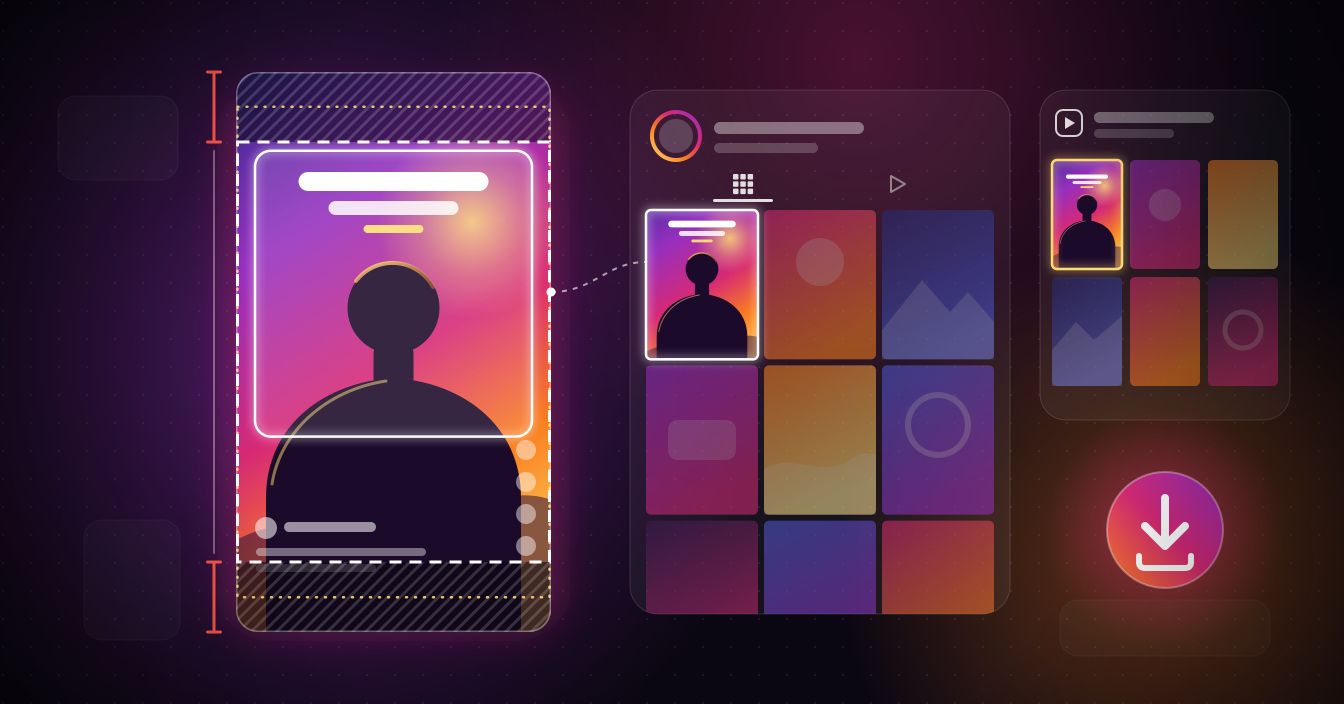
Snapchat mixes several kinds of public video, and the results view sorts them for you. Paste a link and the clip appears under the matching tab — Spotlight, Stories, or Profile — so you always know exactly what you're saving.
Spotlight clips are Snapchat's public, short-form videos, and they're the most reliable to save because they're built to be shared openly. Public Stories from creator and business profiles work while the Story is still live, and public snaps on an open profile show under the Profile tab.
Every download is the underlying MP4, not a screen recording, so it plays back at full clarity with sound intact. Note that the tool fetches the file Snapchat provides — it doesn't strip a username or ghost overlay that's already baked into a clip, and it can't reach anything a private account keeps behind a login.
Which Snapchat links work — and which don't
Links copied from the share icon work best. That covers Spotlight links (snapchat.com/spotlight/…), public creator-profile links (snapchat.com/add/username or snapchat.com/@username), and public Story links. A good rule of thumb: if you can open the link in a logged-out browser and the video plays, the downloader can almost always fetch it.
Links that need a login or a friend connection won't work — private-account profiles, friends-only Stories, group or one-to-one chat snaps, and Custom Stories limited to certain people. A Snapcode image isn't a video link either. If a URL only opens inside the app and demands you sign in, that's the signal it can't be downloaded here.
Why a Snapchat download fails
If a link that looks public still fails, timing is the usual reason. Stories vanish 24 hours after posting, so an expired Story returns nothing even though the URL is intact — grab it while it's live.
The other common causes are privacy and reach: the account went private, the snap was deleted, or the content is region-locked and isn't served in your country. Login-gated links — anything Snapchat only shows to signed-in friends — can't be fetched by any web tool, so a failure there isn't a bug in ours.
When a download stalls, re-copy the link straight from the share icon (a link grabbed from a screenshot or a shortened redirect can be malformed), confirm the clip still plays in a logged-out browser, and try again. If it plays publicly and it's recent, it will download.
What this tool doesn't do
Snapchat Memories are your own saved snaps, not a public URL, so no web downloader can pull them. To export Memories, use Snapchat's official data tool: sign in at accounts.snapchat.com, request My Data, and download the archive Snapchat emails you.
This page also doesn't look up a Story by username or offer anonymous story viewing — it downloads a public clip from a link you paste, nothing more. If you want tools built around usernames, Stories, or Spotlight as a category, snapyloader.com is the sister site scoped to those. Whatever you save, respect creators' rights and only download content you're allowed to use.
More from this team
PRODUCTSSmall, free tools that do one job well. Same principles: no accounts, no watermarks.
 SpotyLoader
MUSIC · SPOTIFYSpotify tracks, albums, and playlists → MP3 320, FLAC, M4A. Bulk downloads, browser-based.
 SnapyLoader
SNAPCHAT · WEBDownload Snapchat Spotlights, Stories, and profile pictures in HD. Browser-based, no login.
 SnapDownloader App
VIDEO · ANDROIDThis site as a native app — save to your gallery in two taps, share-sheet integration.

Three steps, ten seconds
HOW IT WORKSOne downloader per platform
SUPPORTED PLATFORMSEach platform has its own tuned downloader page — same paste box, platform-specific formats and tips.


Built like a tool, not a trap
WHY SNAPDOWNLOADERThe file you actually want
One clean HD MP4 per link — no menus, no conversion, ready to play anywhere.
Why people switch
VS ALTERNATIVESBuilt for the way you save
USE CASESSnapDownloader in your pocket
Download straight to your phone's gallery. Same engine, no browser needed.
 Get it on Google Play
From the journal
All posts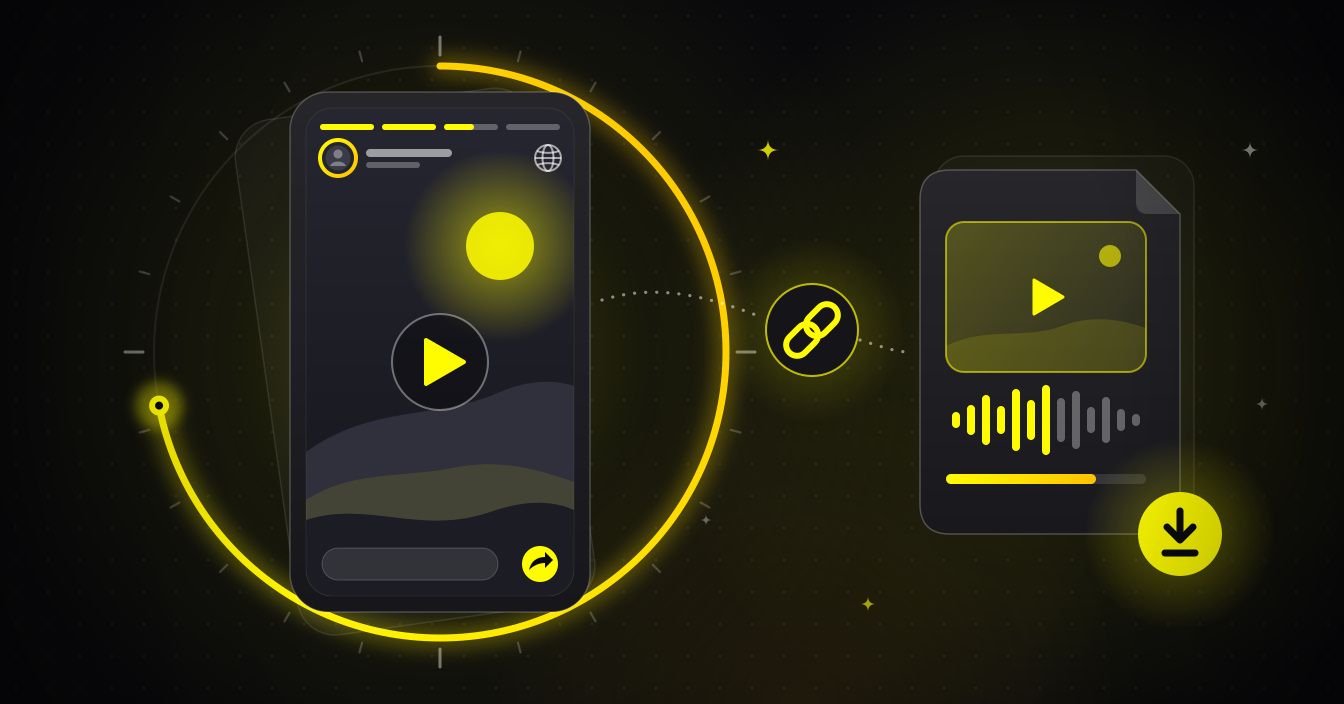
Frequently Asked Questions
What is SnapDownloader for Snapchat?+−
SnapDownloader is a free, web-based Snapchat video downloader. Paste the link to a public Spotlight clip, public Story, or shared snap and it saves the video as an HD MP4 — no app, no browser extension, and no Snapchat login required. It runs entirely in your browser on phone or computer.
What Snapchat content can I download?+−
Public content only: Spotlight clips, the public Stories of creator and business profiles, and public snaps on open profiles. When you paste a link, the results view sorts it under a Spotlight, Stories, or Profile tab. Private accounts, friends-only Stories, and chat snaps can't be reached.
How do I download a Snapchat video?+−
Open the clip in Snapchat, tap the share icon (the arrow), and choose Copy Link. Go to snapdownloader.net, paste the link, and press Download. You get one HD MP4 — there's no quality menu to pick from; the tool hands you the best quality the source provides.
Do I need to install an app?+−
No. There's nothing to install — no app, no extension, no account. It works in any modern browser on iPhone, Android, Windows, and Mac. On iPhone the file saves through the Files app or share sheet; on Android and PC it lands in your Downloads folder.
What quality are the downloads?+−
You get a single HD MP4 in the best quality Snapchat serves for that clip — usually up to 1080p. There's no resolution picker, no WebM option, and no upscaling: the tool gives you the source file as Snapchat provides it, with sound included.
Can I get just the audio or an MP3?+−
This Snapchat page outputs video only — one MP4 with the audio already in it. There's no separate MP3 button here. If you only need the sound, download the MP4 and pull the audio out with a converter afterward.
Is it safe to use?+−
Yes. The tool never asks for your Snapchat username, password, or any login, so your account credentials are never involved — you only ever paste a public link. And because nothing is installed, there's no app or extension left sitting on your device.
Can I download private or friends-only snaps?+−
No. Only public content works. Private accounts, friends-only Stories, group and one-to-one chat snaps, and anything behind a login can't be downloaded by this tool or any other — that content simply isn't publicly accessible.
Are there any download limits?+−
No. You can download as many public Snapchat clips as you like, free of charge, with no cap on the number of videos and no watermark added by the tool.
Will the person know I downloaded their Snapchat video?+−
Saving a public Spotlight clip or public Story from a link doesn't trigger the screenshot alert Snapchat shows inside private chats. Only public content is downloadable here, so treat it like any public post — respect creators' rights, save only what you're allowed to, and credit the owner.
Can I download a Story by username, or export my own Memories?+−
Not on this page. It downloads a public clip from a link you paste — it doesn't look up Stories by username or view them anonymously; for username- and Story-based tools, snapyloader.com is the sister site scoped to that. To export your own Memories, use Snapchat's official My Data tool at accounts.snapchat.com.
SnapDownloader — free online video downloader
ABOUTSnapDownloader is a free online video downloader that works entirely in your browser. Paste a link from Instagram, Facebook, TikTok, Twitter / X, Pinterest, Snapchat, or LinkedIn and save the video to your device in HD — no software to install, no account to create, and no watermark added to your files.
Unlike browser extensions that read your browsing data or downloader sites buried in pop-ups, SnapDownloader processes your link in memory and forgets it. Downloads come out at the source quality the platform provides — an HD MP4, usually up to 1080p.
It works on every device with a browser: iPhone, Android, Windows, Mac, Linux, and tablets. Android users can also install the SnapDownloader app to save videos straight to the gallery from any app's share sheet.
SnapDownloader only fetches publicly available videos and respects each platform's privacy settings — private accounts and protected content stay private. For guides on saving from each platform, read the journal or jump straight to a platform downloader.
Ready when you are.
No sign-up, no install, no watermark. Paste a link and go.